
Apple HomeKit
Apple HomeKit is the framework behind the Home app: pairing accessories, grouping them into rooms and scenes, and running automations across iPhone, iPad, Mac and Apple TV. This video explains what is actually happening underneath it — the HomeKit Accessory Protocol that every certified lock, light and sensor speaks, why most commands never leave the house, and the local keys and end-to-end encryption that keep that true even when Apple relays a command from outside.
It covers the role of a home hub (HomePod, HomePod mini or Apple TV) in running automations and enabling remote access, why the iPad was dropped as a hub option, and the everyday mechanics of pairing an accessory, building a scene, and sharing a home with another Apple ID.
Then it covers 2022 to 2026: the rebuilt Home database that shipped with iOS 16.2 in December 2022, and the final cutover away from the old architecture on 10 February 2026. And it covers Matter, the cross-brand standard Apple helped found in 2019 and that published its first full specification on 4 October 2022 — which lets a single certified accessory pair with HomeKit, Google Home and Amazon Alexa at once, including new 2026 hardware like Govee's CES-2026 Matter-certified lighting.
Finally, it compares HomeKit's real-world footprint against Google Home and Amazon Alexa, and names HomeKit's current limits: the smallest device catalogue of the three, the cost of a dedicated hub, and the migration friction some households hit during the February 2026 cutover.
Every figure is on screen with its source and date.
In these topics
Chapters
- The pitch: a house that works like your iPhone
- 2014: Apple's answer to a fragmented smart home
- The protocol under the hood: HAP
- Local-first and end-to-end encrypted by design
- The home hub: who runs things while you're out
- Everyday setup: pairing, rooms and scenes
- Automations and sharing access
- 2022-2026: the new Home architecture rebuild
- Matter: letting outsiders into the walled garden
- Who actually supports it: brands and devices
- HomeKit vs Google Home vs Amazon Alexa
- What still doesn't work: limits in 2026
Video notes
1. The pitch: a house that works like your iPhone
You leave for work, and behind you, your house starts turning itself off. The kitchen lights switch off on their own. The front door locks itself. The thermostat drops a few degrees, because nobody is home to feel the difference.
None of that happened because somebody ran back inside to check. One phone, leaving one location, triggered every one of those actions at once.
Three different things make that possible, and this video keeps them separate, because people mix them up constantly.
HomeKit is the framework — the shared rules that let your lights, locks and thermostat all speak the same language to your iPhone. Home is the app you actually open and tap. And Matter is the newest piece: a shared standard that lets accessories from other companies join in too.
By the end of this video, you will know how all three actually work, not just that they do.
2. 2014: Apple's answer to a fragmented smart home

Before HomeKit, a smart home meant a drawer full of different apps. There was one for every brand of light bulb, lock or thermostat, each with its own password and its own interface.
Apple announced HomeKit at its Worldwide Developers Conference on the second of June, 2014. The idea was simple: one framework, built by Apple, that any certified accessory maker could build against, instead of a separate app for every brand.
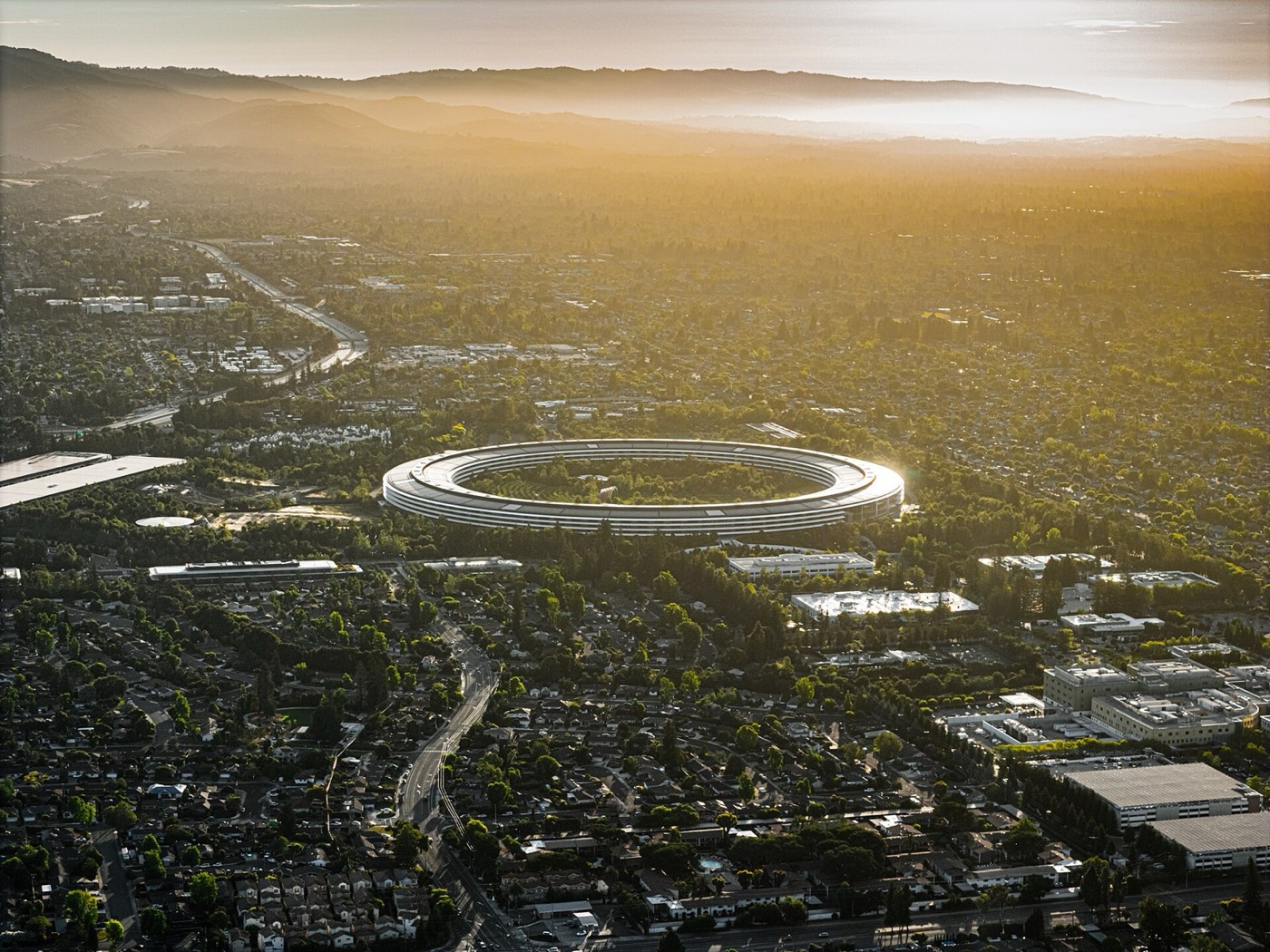
This is Apple Park, Apple's headquarters in Cupertino, California, photographed in recent years. The building did not exist yet in 2014 — Apple announced HomeKit years before it opened — but it is where the company that owns the framework is based today.
HomeKit shipped a few months after that announcement, built directly into the operating system.
It arrived inside iOS 8, released on the seventeenth of September, 2014. From that point on, any lock, bulb or plug carrying Apple's HomeKit certification could be controlled from the same Home app as every other certified device.
That one decision — one certified system instead of one app per brand — is the choice everything else in this video follows from.
3. The protocol under the hood: HAP
Every certified accessory speaks the same language to your phone, and that language has a name.
That language is the HomeKit Accessory Protocol, or HAP. It describes every accessory as a set of services — a lock, a light, a sensor. Each service is then built from characteristics, the specific values a phone can read or change, things like "locked," "brightness," or "temperature."
Before any of that can happen, though, the accessory has to identify itself.
Every accessory also carries a category code that tells your phone what kind of thing it is — a lock, a light, a thermostat. That lets the Home app show the right icon and the right controls automatically, without you setting anything up by hand.
And then there is the question of how the conversation actually travels, because HAP was never built around a single kind of connection.
An accessory can reach your phone over Wi-Fi, over Bluetooth Low Energy for devices too small or battery-powered to run full Wi-Fi, or over Thread — a low-power wireless mesh that Apple added support for in 2020. In a Thread mesh, each accessory can relay messages for its neighbours, so the network keeps working even if one device drops out.
4. Local-first and end-to-end encrypted by design
Most of what HomeKit does, it does without that command ever leaving your house.
Each of your Apple devices generates its own private key, and that key becomes your HomeKit identity. When your phone talks to an accessory, the two of them encrypt the conversation using keys only they hold — end-to-end encryption, meaning nothing other than your own devices can read it. Not even Apple.
That is what "local-first" means in practice: the command never has to leave the building at all.
Turning on a light, checking whether a door is locked, running a scene while you're home — none of that needs to leave the building. It happens directly between your phone and the accessory, over your own Wi-Fi network, with no round trip to any server.
The exception is when you are not home, and that is where a hub comes in.
Away from home, a command still leaves end-to-end encrypted, but it has to pass through something first: your home hub, relayed over Apple's own messaging infrastructure. Even then, Apple states it cannot read the contents — for a security camera's video feed, the hub forwards the encrypted stream without ever decrypting it.
5. The home hub: who runs things while you're out
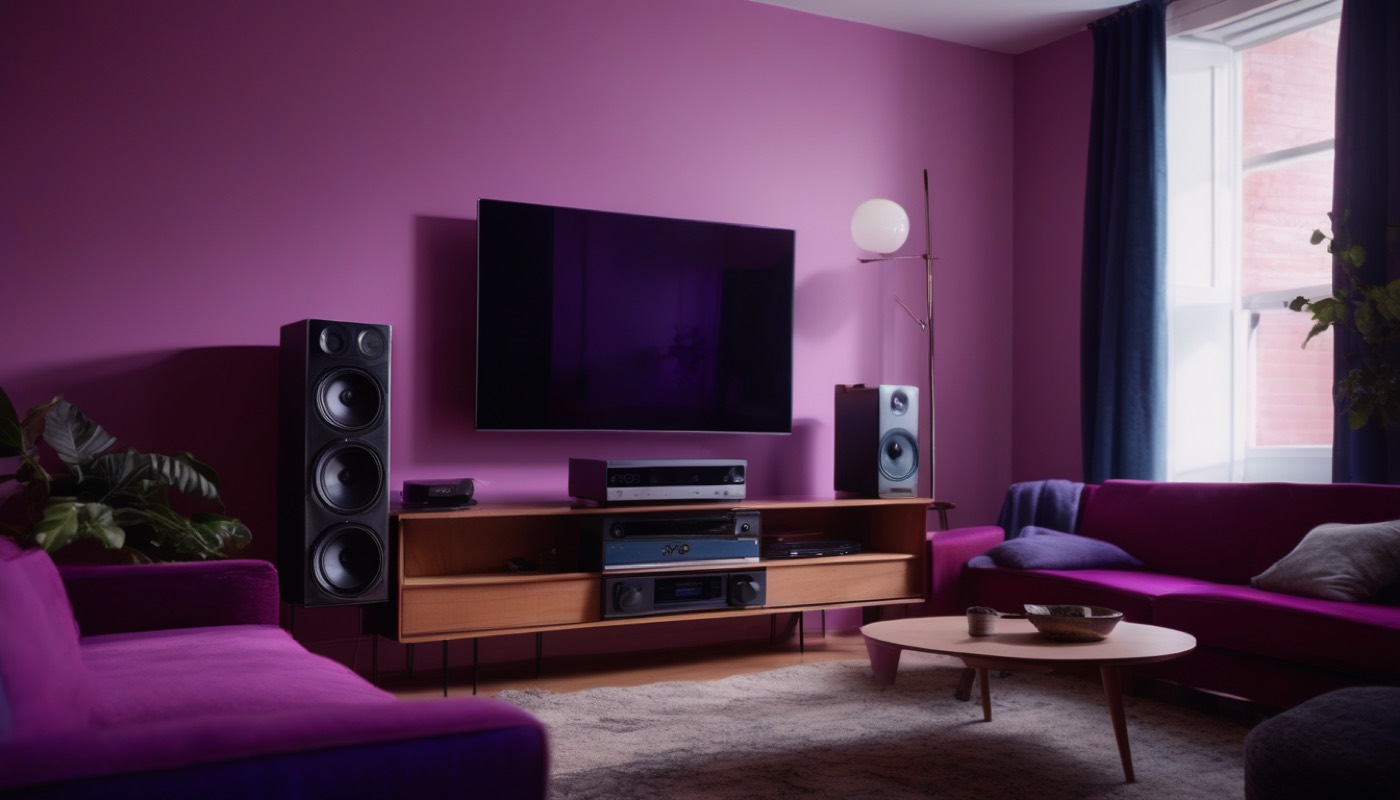
All of that depends on one piece of hardware being left on, all the time: a home hub.
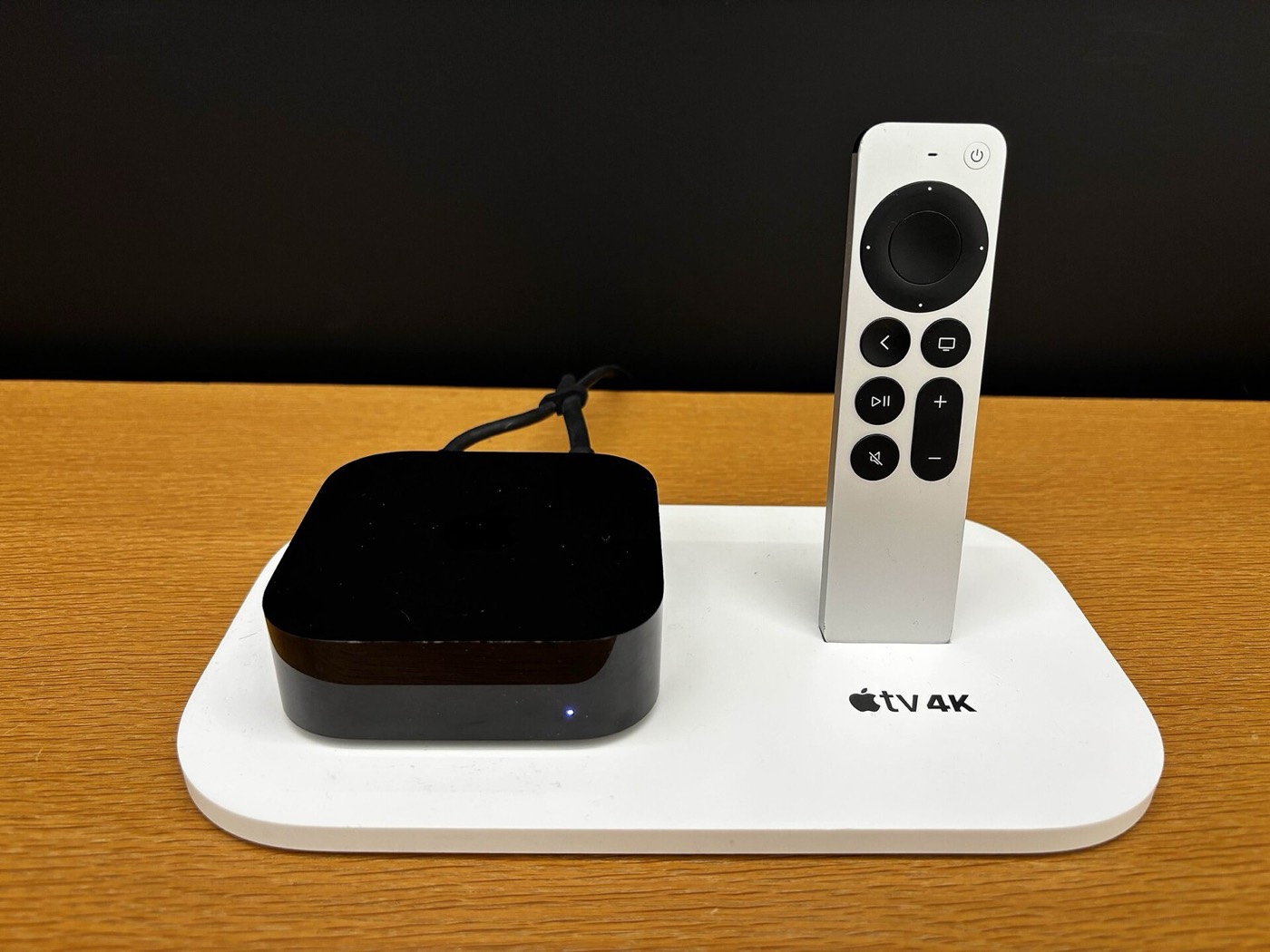
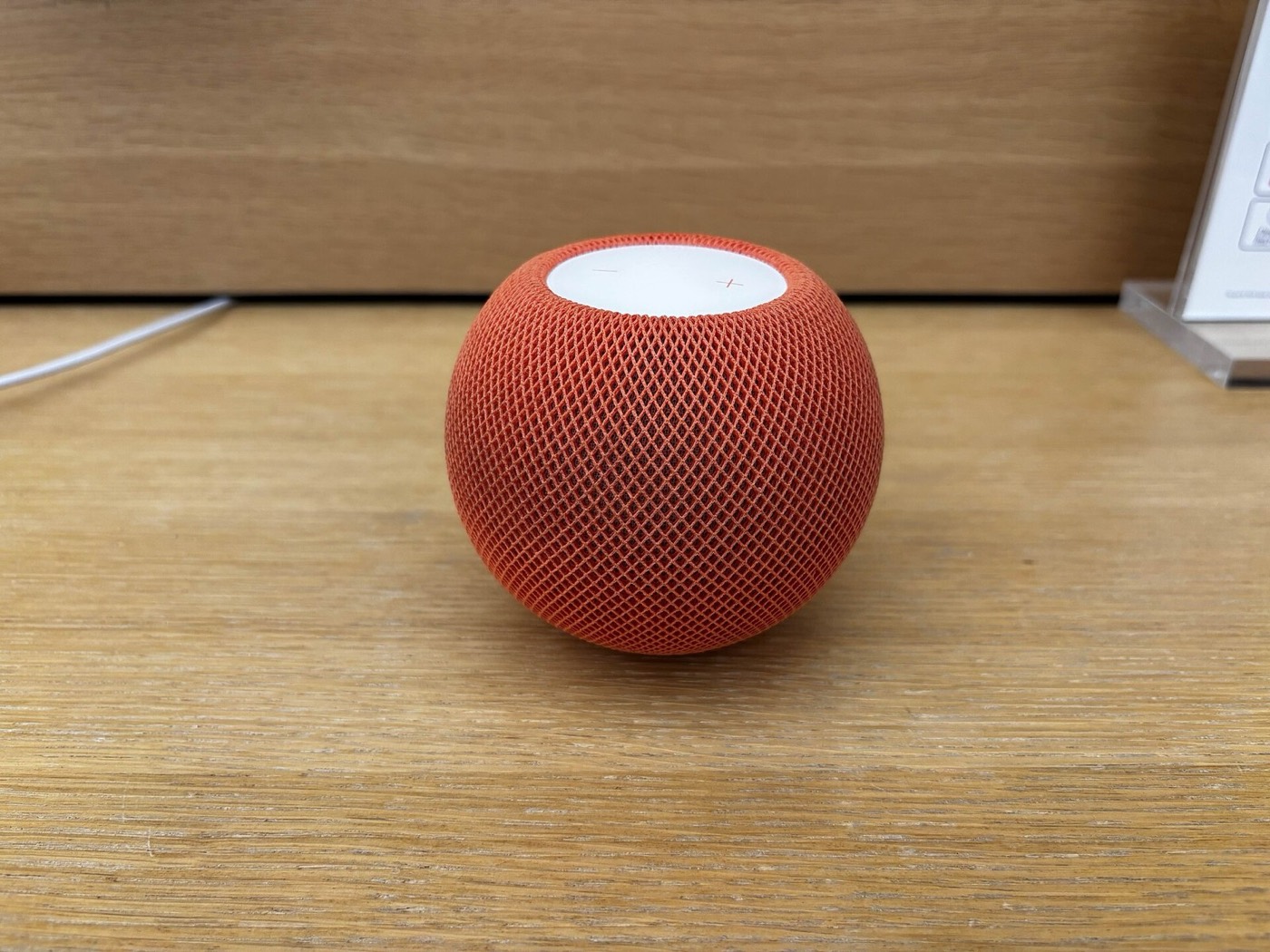
A home hub is simply a device that stays on and stays connected, so it can run automations while you're out, let you check in from anywhere, and record Secure Video footage. Apple allows exactly three kinds: HomePod, HomePod mini, and Apple TV.
Not every hub can do everything a HomeKit setup might need, though.
Thread accessories specifically need a Thread-capable hub to join their mesh — a HomePod mini, or a newer Apple TV 4K with both Wi-Fi and Ethernet. An older Apple TV or an original HomePod can still run automations, but it cannot host a Thread network.
This is an Apple TV 4K, shown here with its Siri Remote. Any Apple TV 4K model can act as a home hub, running automations and enabling remote access whenever the house is empty.
This is a HomePod mini. Small as it is, it can act as a full home hub too, and it was the first Apple device built to speak Thread natively.
One device used to be allowed on that list, and no longer is.
The iPad was dropped as a hub option when Apple rebuilt the Home architecture. Apple's reasoning, as reported at the time, was reliability: an iPad gets carried around and put to sleep aggressively, which makes it a poor fit for a job that requires staying on and connected around the clock.
6. Everyday setup: pairing, rooms and scenes
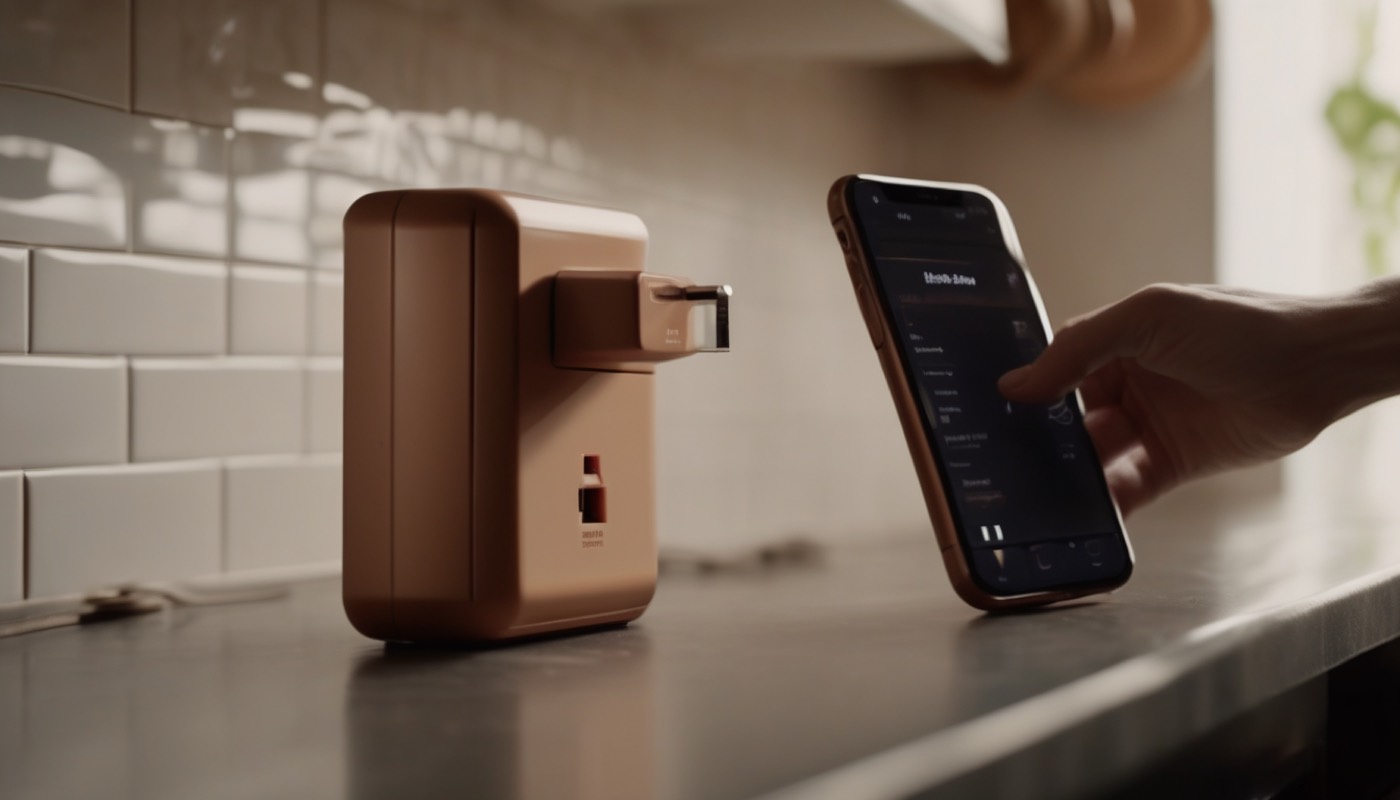
Setting one of these up for the first time takes about a minute, and it starts with a code.
Every HomeKit accessory ships with a printed setup code — usually a small square code, sometimes an eight-digit number. Point your iPhone's camera at it, and the Home app reads it, verifies it, and pairs the accessory to your home in one step.
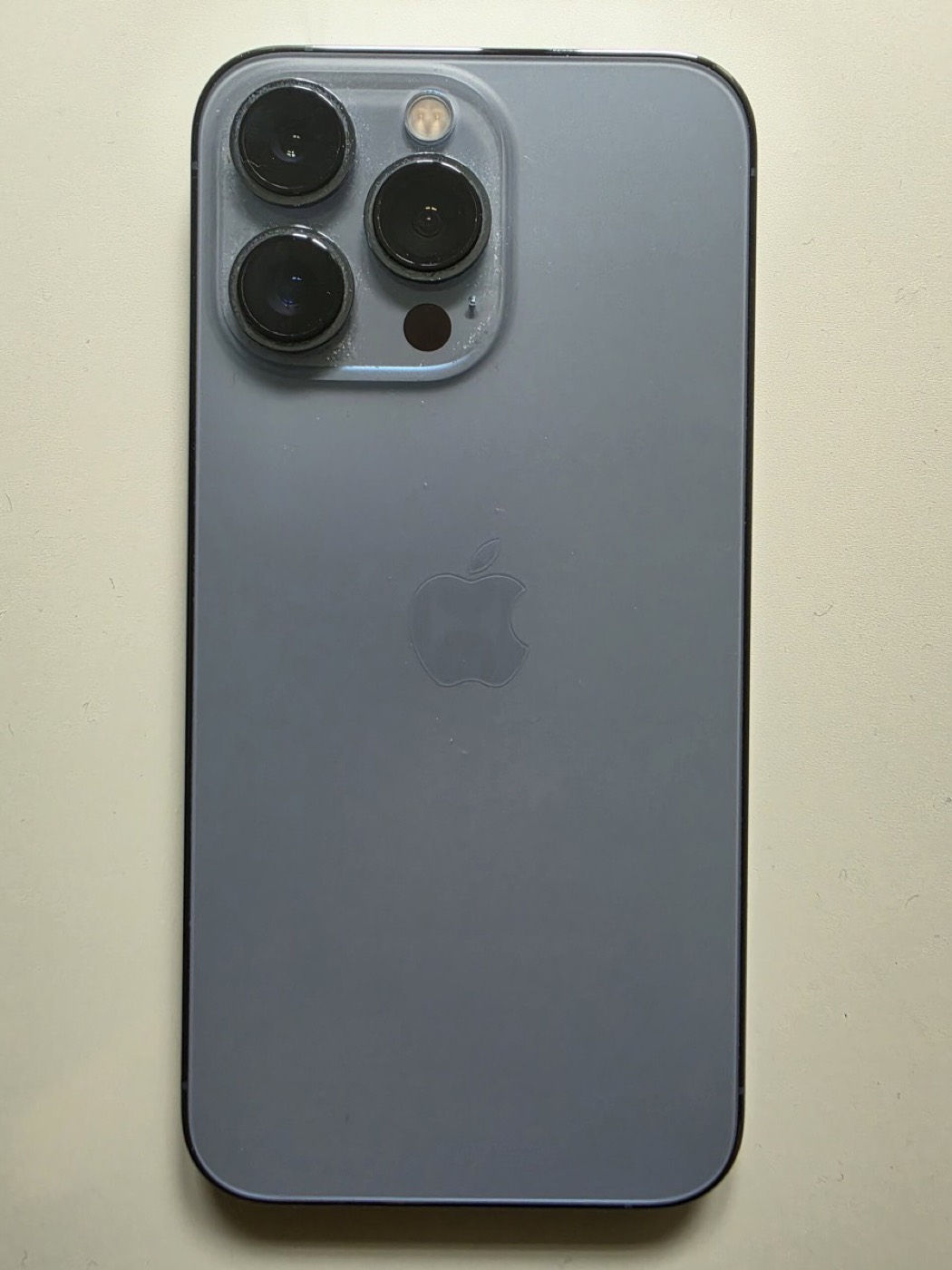
This is an iPhone, the device most people use to do all of this pairing, tapping and scanning. Once an accessory is paired, it gets assigned to a room — kitchen, bedroom, hallway. That lets the app group your whole house the way you actually walk through it.
Rooms organise accessories by where they are. Scenes organise them by what you want to happen.
A scene bundles several accessories into one action with one name — "Good Night" might turn off every light, lock the front door, and lower the thermostat at once. Tap the scene, or just say its name to Siri, and every accessory in it fires together.
7. Automations and sharing access
A scene still needs a tap or a spoken word. An automation needs neither.
An automation can fire on a time of day, on a location, or on a sensor event. A location trigger means arriving home or leaving it; a sensor trigger means something physical, like a door opening or motion in a hallway. Once it's set up, it runs on its own, with nobody touching a phone at all.
None of this is much use, though, if only one person in the house can control it.
Adding someone to the home sends them an invitation tied to their own Apple ID. Once they accept it, their iPhone shows the same accessories, the same rooms, and the same scenes — under their own account, not a shared password.
8. 2022-2026: the new Home architecture rebuild
Everything described so far already existed by the late 2010s. In December 2022, Apple rebuilt the foundation underneath all of it.
Apple rebuilt the Home app's underlying database from scratch, aiming for something that stayed reliable as homes grew larger, and that would work cleanly with the Matter standard arriving that same autumn.
That rebuild did not happen overnight, and neither did the move away from the old system.
Laid out in order: the new Home database shipped with iOS 16.2 in December 2022. After more than three years running both systems in parallel, Apple cut the old one off for good on the tenth of February 2026.
That deadline held, and it did not quietly fade away afterwards.
Homes that had not migrated by the cutoff faced disrupted accessories and broken automations, and risked losing control of their devices outright. What survived the rebuild was worth the disruption: guest access, support for robot vacuums, and a new Activity History log.
9. Matter: letting outsiders into the walled garden

Everything up to now describes an Apple-only world: Apple's framework, Apple's hub, Apple's certification. That stopped being the whole story in 2022.
Matter is a cross-brand smart-home standard — a shared language that Apple, Google, Amazon and Samsung all agreed to support. One accessory can now work with any of their apps, instead of being locked to just one.
It did not appear out of nowhere.
The project began in December 2019, as a working group founded by Amazon, Apple, Google and the Zigbee Alliance, with Samsung joining the same announcement. It published its finished specification, Matter 1.0, on the fourth of October 2022.
For Apple's ecosystem specifically, that meant something had to change.
Before Matter, an accessory had to be built and certified specifically for HomeKit to appear in the Home app. After Matter, a single Matter-certified accessory can be set up in the Home app, in Google Home, and in Amazon's Alexa app. Same device, three ecosystems, no separate certification for each.
10. Who actually supports it: brands and devices
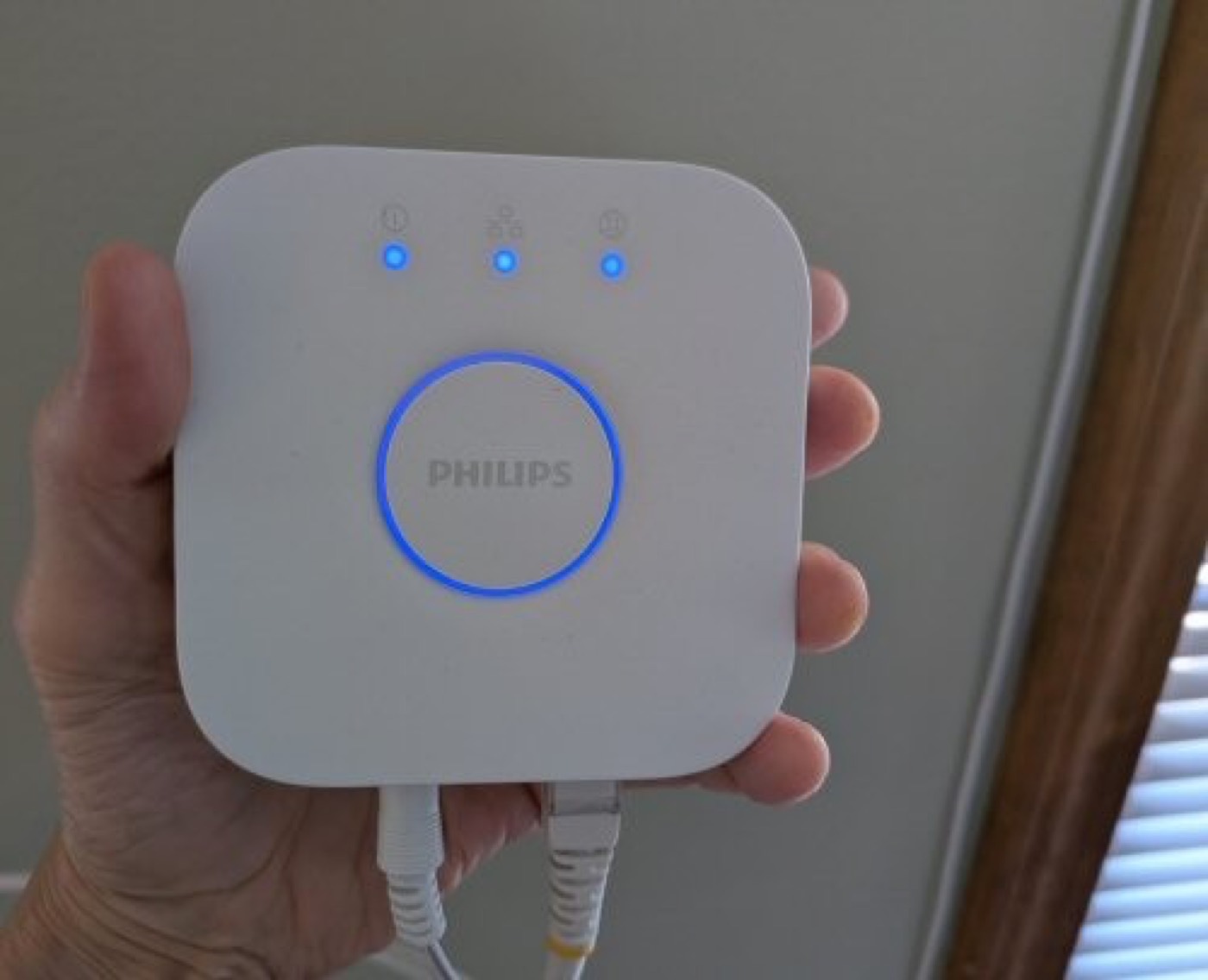
Three kinds of company sit inside Apple's smart-home world now: old HomeKit partners, new Matter arrivals, and a rebuilt Home app underneath both of them.
Philips Hue, Ecobee and Aqara have supported HomeKit directly for years, across lighting, thermostats and sensors. Newer brands like Eve, Lutron, Nanoleaf and Meross round out a catalogue built one product at a time rather than all at once.
This is a Philips Hue bridge, the small box that connects Hue's lights to a home network and, through it, to HomeKit.
Matter brought in names that had never bothered with Apple certification before.
At CES 2026 in Las Vegas, Govee showed three new Matter-certified lighting products. They were the Floor Lamp 3, the Ceiling Light Ultra, and the Sky Ceiling Light. The Floor Lamp 3 offers a direct option to connect to HomeKit.
11. HomeKit vs Google Home vs Amazon Alexa
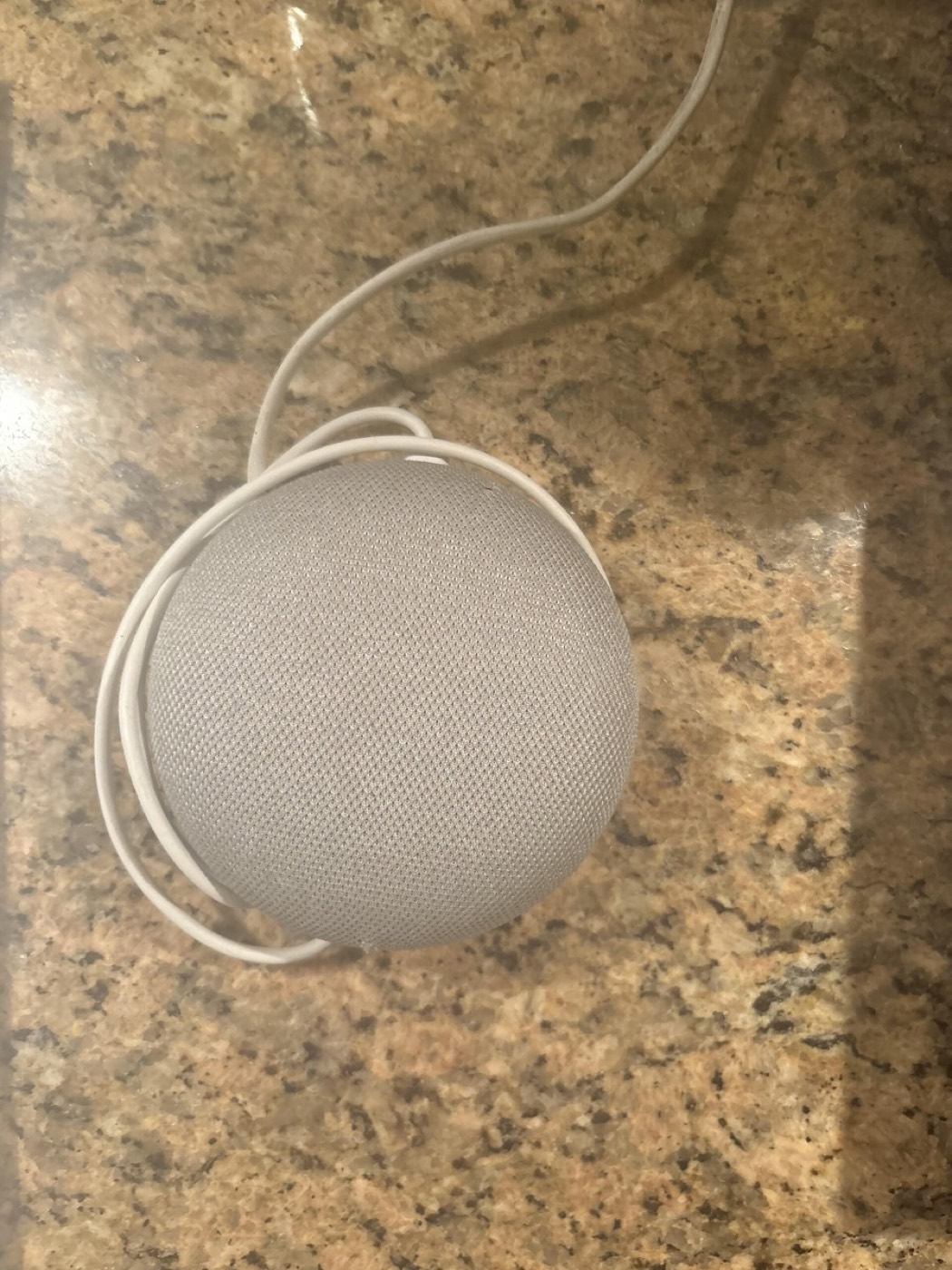
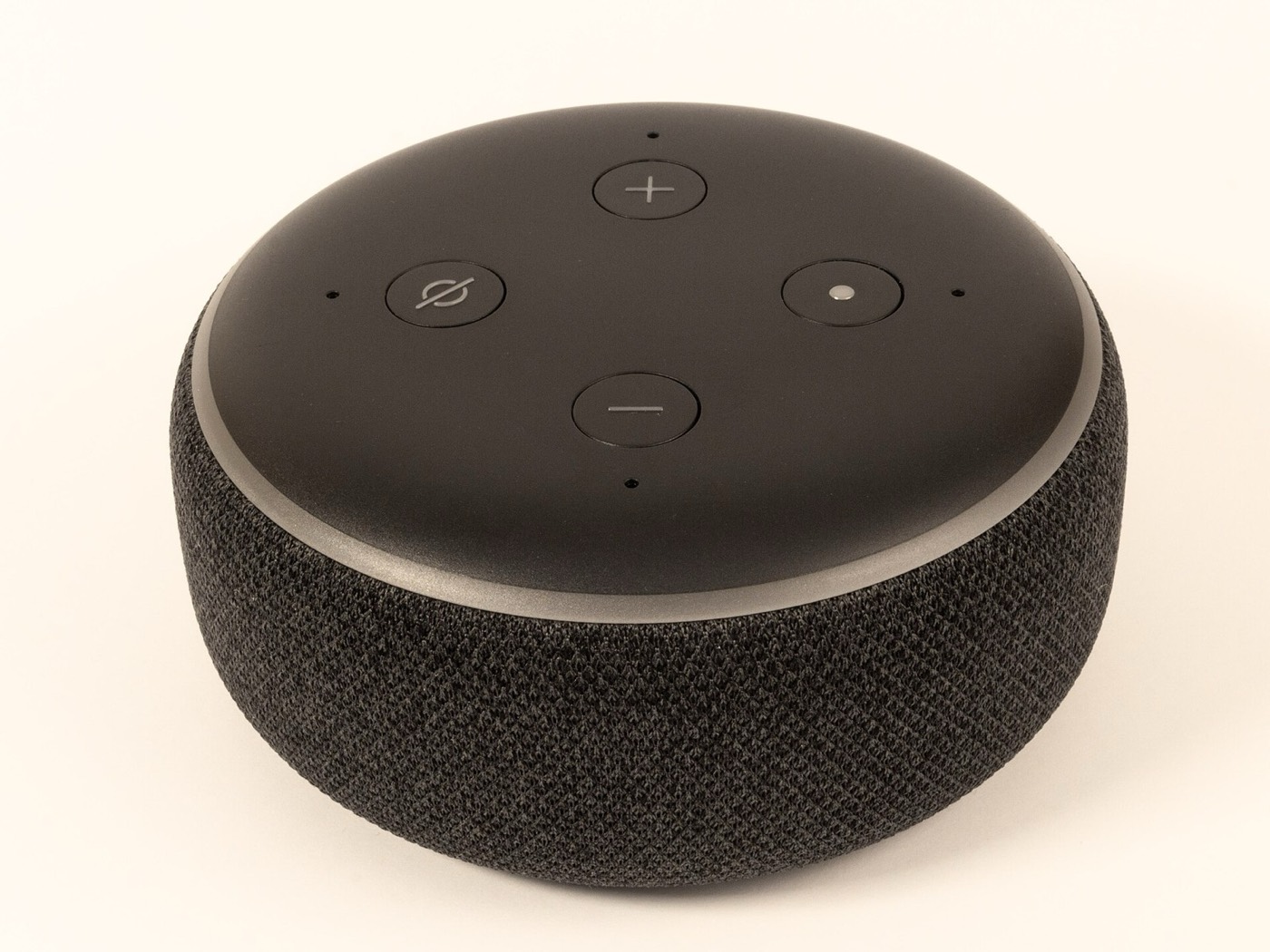
Put those three companies next to each other, and the differences are not subtle.
This is a Google Home Mini, Google's own smart speaker and the usual front door into Google's ecosystem.
This is an Amazon Echo Dot, shown here in its third generation. Alexa has the broadest device compatibility of the three, especially among budget brands.
Google Home works best with Nest, Chromecast and Android, covering a wide middle ground. Apple HomeKit has the smallest catalogue of the three, and its certified accessories tend to cost more — the trade-off for the privacy design covered earlier in this video.
12. What still doesn't work: limits in 2026
None of this makes HomeKit the obvious choice for everyone, even now.
HomeKit's catalogue is still the smallest of the three major ecosystems, and HomeKit-certified accessories still tend to carry a price premium over an equivalent Alexa- or Google-compatible version of the same kind of device.
Running any of it also costs something before you buy a single light bulb.
A home hub is required hardware, not optional: a HomePod mini costs ninety-nine dollars, and an Apple TV 4K starts at a hundred and twenty-nine. Skip that purchase, and automations, remote access and Secure Video simply do not work.
And the February 2026 cutover was not painless for everyone who went through it.
Households that missed the migration deadline reported disrupted accessories and broken automations until they completed the move. Product availability varies by region too — a newly announced accessory, like Govee's CES lighting, can reach one country's shelves well before another's.
HomeKit's bet has not changed since 2014: fewer accessories, more rules, and a design built around never having to trust Apple's servers with the inside of your house. Matter is the first real test of whether that bet can survive having to work with everyone else's gear too.
Sources and credits
Photo credits (Wikimedia Commons)
- Apple TV 4K with Siri Remote: AzureSaturn, CC0 - https://commons.wikimedia.org/wiki/File%3AApple_TV_4K_and_Siri_Remote.jpg
- HomePod mini (Orange): AzureSaturn, CC0 - https://commons.wikimedia.org/wiki/File%3AHomePod_mini_%28Orange%29.jpg
- iPhone 13 Pro: NutzerAusBerlin, CC0 - https://commons.wikimedia.org/wiki/File%3AIPhone_13_Pro_20260925_Sierrablau.jpg
- Philips Hue bridge (Gen 2): Harborsparrow, CC0 - https://commons.wikimedia.org/wiki/File%3APhilips_Hue_bridge_Gen_2.jpg
- Google Home Mini smart speaker: ChoIn2006, CC0 - https://commons.wikimedia.org/wiki/File%3AGoogle_home_Mini.jpg
- Amazon Echo Dot (3rd generation): Samuel Wiki, CC0 - https://commons.wikimedia.org/wiki/File%3AEcho_Dot_%283rd_Gen%29_02.jpg
- Apple Park, Cupertino: Nils Huenerfuerst, CC0 - https://commons.wikimedia.org/wiki/File%3AApple_Park_aerial_view%2C_June_2024.jpg


Primary sources
- Fortune, 'Apple unveils HealthKit app as part of new iOS,' 2 June 2014 - WWDC announcement of HomeKit.
- Nordic Semiconductor / GetConnected blog, 'Apple releases HomeKit with Thread networking protocol' - November 2020 Thread support, HomePod mini.
- AppleInsider, 'Apple confirms February 10 deadline for Home architecture upgrade,' 9 January 2026; TidBITS, 'Support for Old Apple Home Architecture Ends,'.
- CEPro, 'Matter 1.0 Standard Officially Released'; Wikipedia, 'Matter (standard)' - CHIP founding (December 2019), Matter 1.0 publication (4 October 2022).
- security.org, 'Best Smart Home Platforms of 2026' - HomeKit/Google Home/Alexa device-compatibility and brand comparison.
- MacRumors, 'CES 2026: Govee Announces New Matter-Connected Ceiling and Floor Lights,' 4 January 2026.
Not regulated financial advice.